 Home
Home Search
 Basics
 Windows Tips
 Software
 Customize
 Community
 About
About


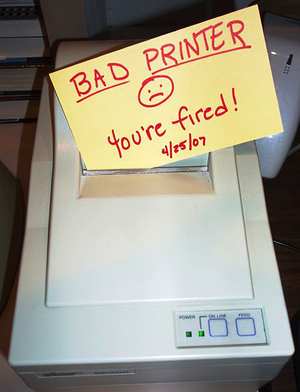 Don’t you just hate it when your printer messes things up ?
I do, every once in a while a document gets stuck in the spooler system, resulting in total havoc. No documents will print. And if you don’t catch it right away you end up with a stack of documents piling up in your print dialogue.
Usually that is a lost cause. Especially if you are not able to delete the document that is causing the problems. Cutting power to the printer (and unplug the USB cable) might enable you to delete it. But the worst case scenario is to power off everything. Loosing every print job in the queue, and start all over. Ahh lovely days huh…
If you experience this regularly or every now and then – well, I might just have the very solution you need.
Stalled Printer Repair – portable freeware application to Detect and Repair Stalled Print Jobs
What this application does is simple…
 It opens up your print spooler(s) and detects the existence of any stalled print jobs. The program then purges all jobs found and solves your problem.
Stalled Printer Repair is a lightweight application that doesn’t need installation. Download the ZIP-file, unpack it, and enjoy!
You can read more about Stalled Printer Repair here.
 |
Download ZIP-File |

About Thomas
Computer geek from the age of 7, which amounts to 30 years of computer experience. From the early days (when every computer company had their own OS) of DOS, Windows 1.0 through Seven...


Search Windows Guides